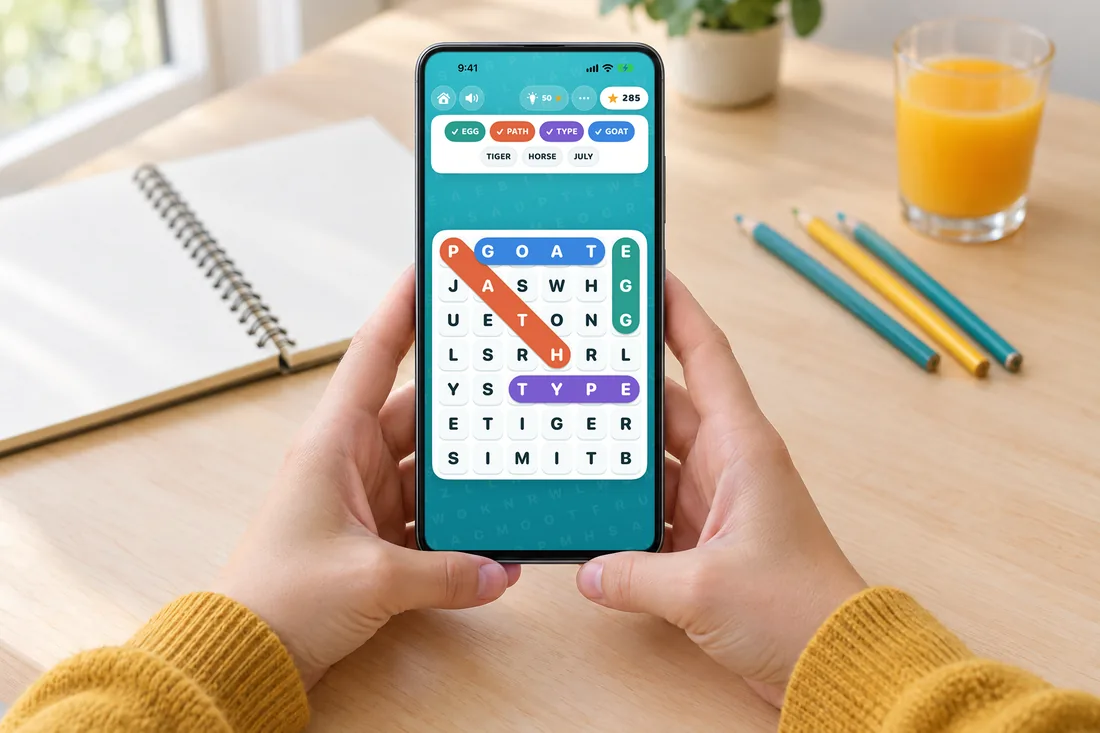
9 of the apps in use at home, one channel at a time. Tap the screen to open the app it's showing.
select game
All nine games. Free to try.
New on the App Store
Rueda: Your words become wheels.
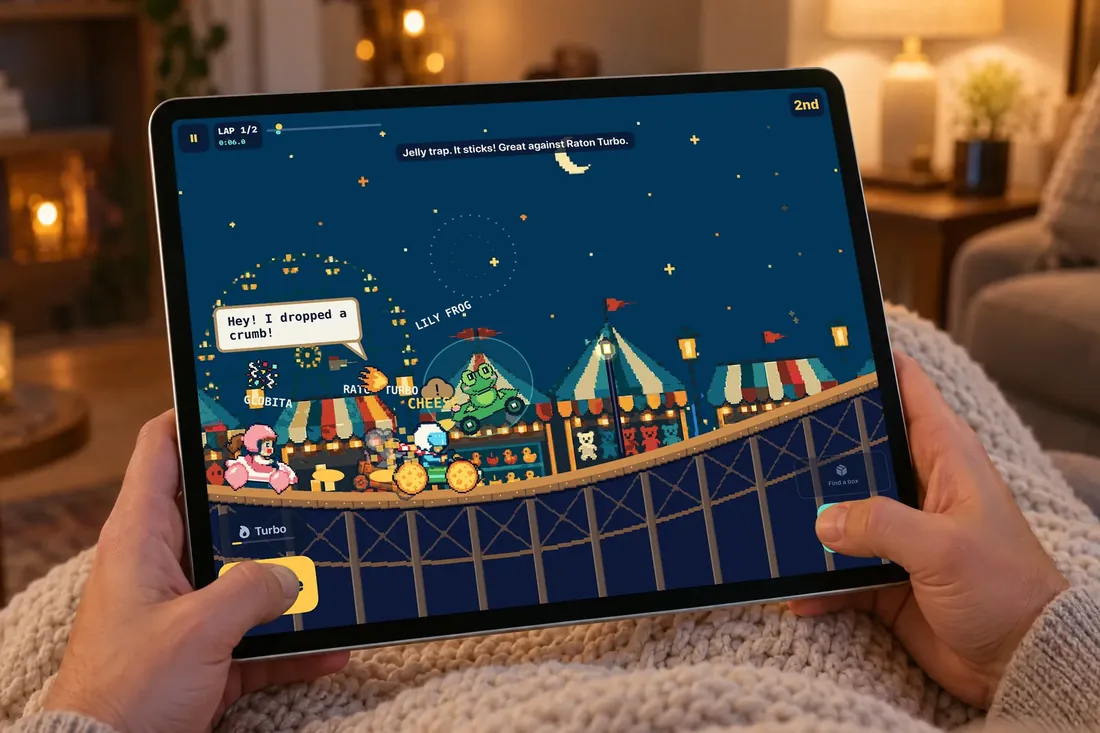
Type any word and it becomes your kart's wheels, and they drive the way the real thing would: jelly bounces, ice skids, honey grips, a stone sinks. Then throw what you invent at a rival and see what it really does.
jelly bounces
ice skids
stone sinks
iPhone and iPad · , English and Spanish · , ages 4+
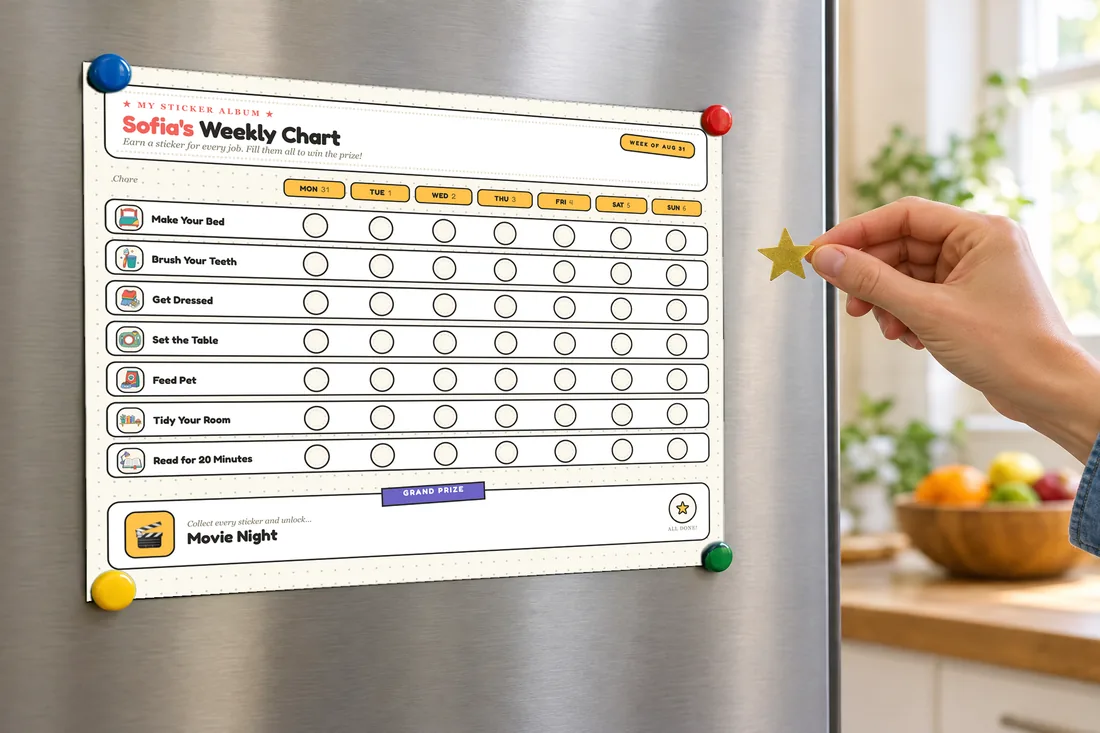
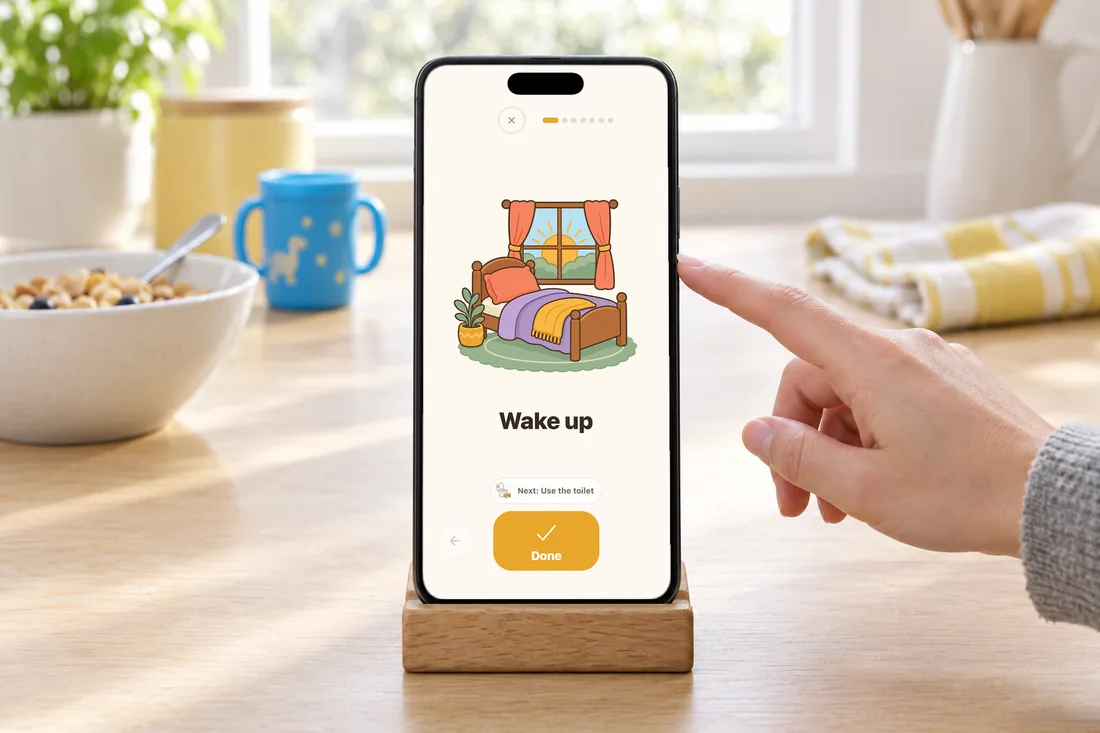
Build it once and print it for the fridge. On the phone, your kid ticks off today's chores, hears them read aloud and watches the week fill up with stars on the way to the reward.
Four chart designs and 25 illustrated chores, plus your own
Home Screen widgets with real check boxes
Chore stickers: tap the phone on one and it's ticked
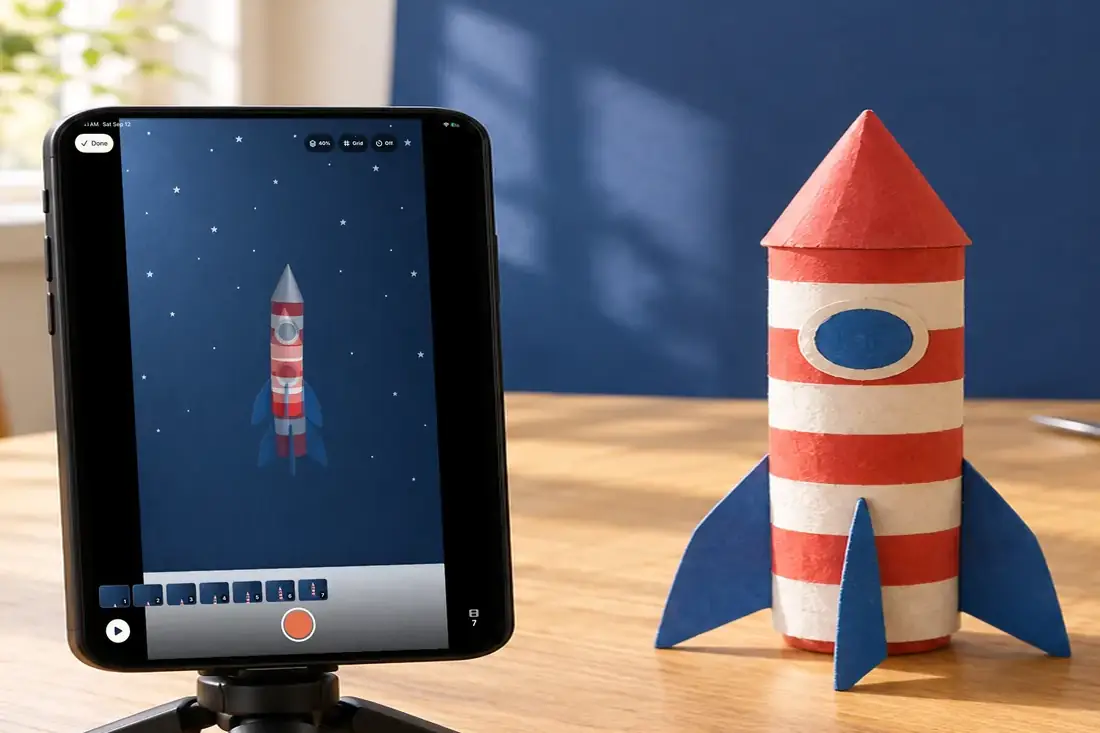
Move the toy a little, tap, move it again. The last frame stays on screen as a ghost, so your kid can see how far it went. Then play it back, tell the story over it, and export a real video.
Frames your kid can hold and drag into a new order
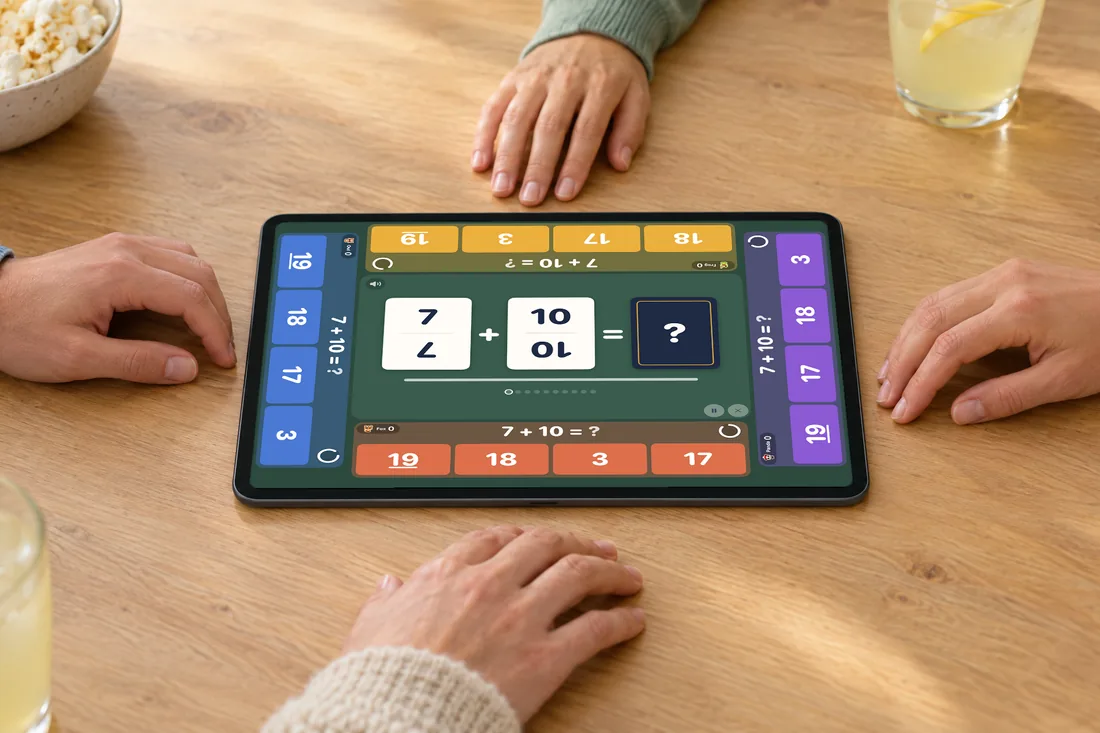
Two to four kids sit around one iPad lying flat. Each gets an edge of the screen, a colour, an animal and buttons turned to face them. Then everyone plays at once. Fourteen games, three of them free.
A lot of kids' apps are designed to keep kids tapping and parents paying. I wanted apps I'd hand to my own kids, so every app here follows these rules.
No banners, no videos, no "watch an ad to continue." Nothing in the apps tries to send your kid somewhere else.
subscriptions0 pts
You pay once per app. Nothing renews, there's nothing to top up, and nothing else to buy afterwards.
tracking0 pts
No analytics, no third-party code, no accounts. Nothing that says who your kid is ever leaves the device.
dark patterns0 pts
No guilt-trip streaks, no countdowns to pull you back in, and nothing you made ever gets locked.
Power-ups
offline
Everything's inside the app, so every one of them plays in airplane mode.
yours
Charts, routines, films and cards you make stay yours to open and edit, whether you buy or not.
generous
The free version is a real app you can keep using. Every app has at least one part with no limits at all.
family safe
Rated 4+, with Family Sharing on, so one purchase covers your family.
about
A short note from me.
p1
CristianFather of threeVancouver, BC
dialogue
I was sitting with my eldest when a "kids" app showed her an ad for a casino. I closed it and started building something else.
I'm Cristian. I've been writing software for twenty years and raising kids for eight. Both jobs taught me the same thing: the small stuff adds up.
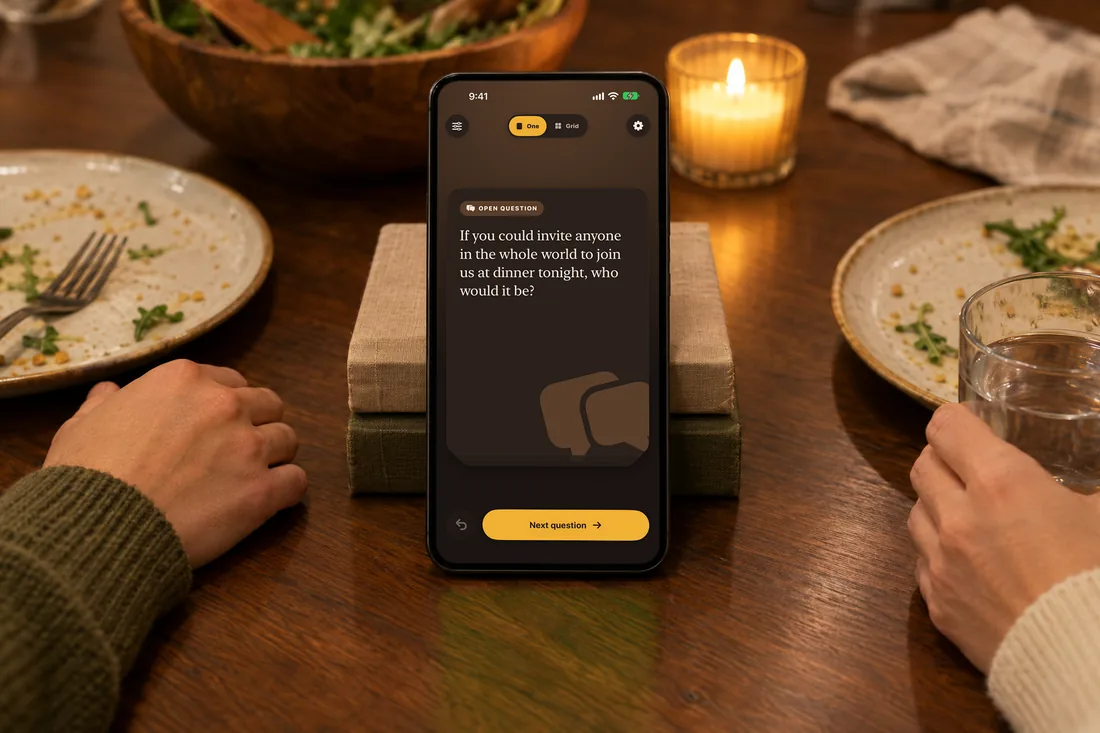
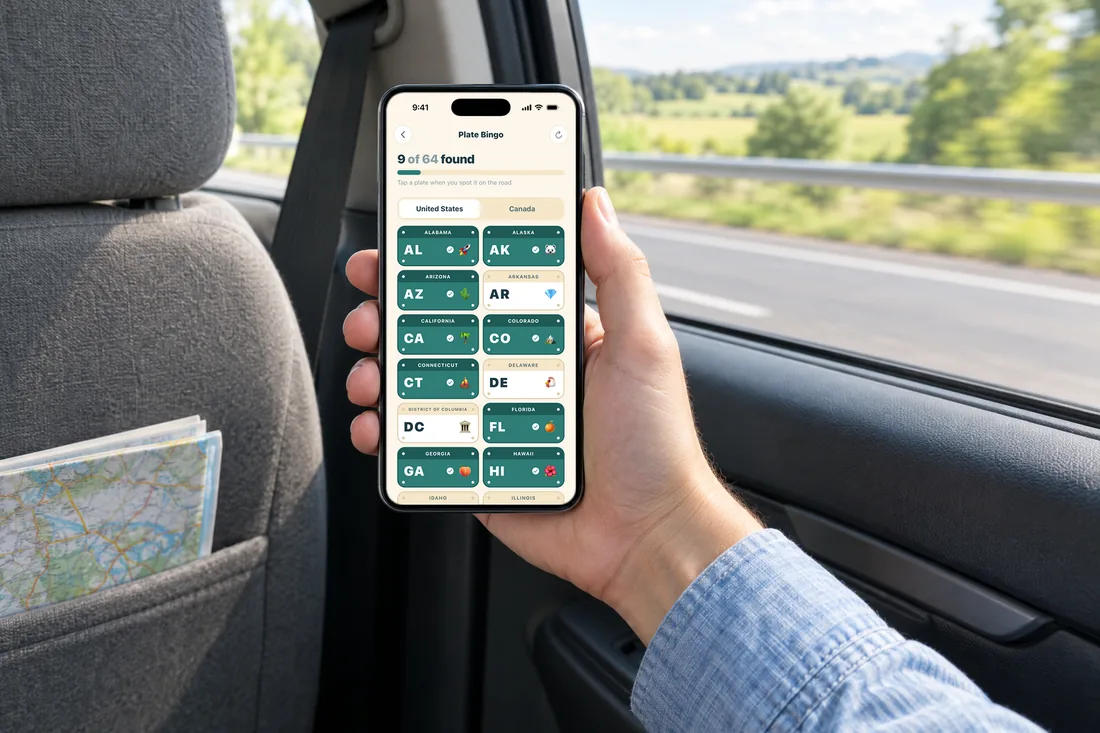
Kid Secure Games isn't a startup. It's a handful of apps I make carefully and sell once, with nothing in them watching your kid. Each one started with something my own kids needed: questions for the dinner table, a picture routine for a four-year-old's mornings, games for the long drive to the cabin.
If one of them earns a spot in your house, that's the whole plan. Thanks for stopping by.
All but one, and that one still plays offline. Once they're installed, the apps never go online. Rueda is the exception: when your kid types a word it has never seen, it asks my server what that thing is like, with nothing about who typed it, and a grown up can switch that off. Buying an unlock goes through Apple like any other purchase. They work the same on a plane, on a ferry or in a basement.
Do you collect any data from kids?
No, and not from you either. There are no accounts, no analytics and no third-party code in the apps, so there's no way for me to collect anything even if I wanted to. Every App Store listing says Data Not Collected except Rueda's, which lists the new words it sends to be judged, never anything that says who typed them.
How much do they cost?
Every app is free to download, and the free version is a real app you can keep using. If you want the rest of it, you pay once to unlock that app. No subscription, nothing to top up. And anything your family makes (charts, routines, films, paintings) stays yours whether you buy or not.
What ages are they for?
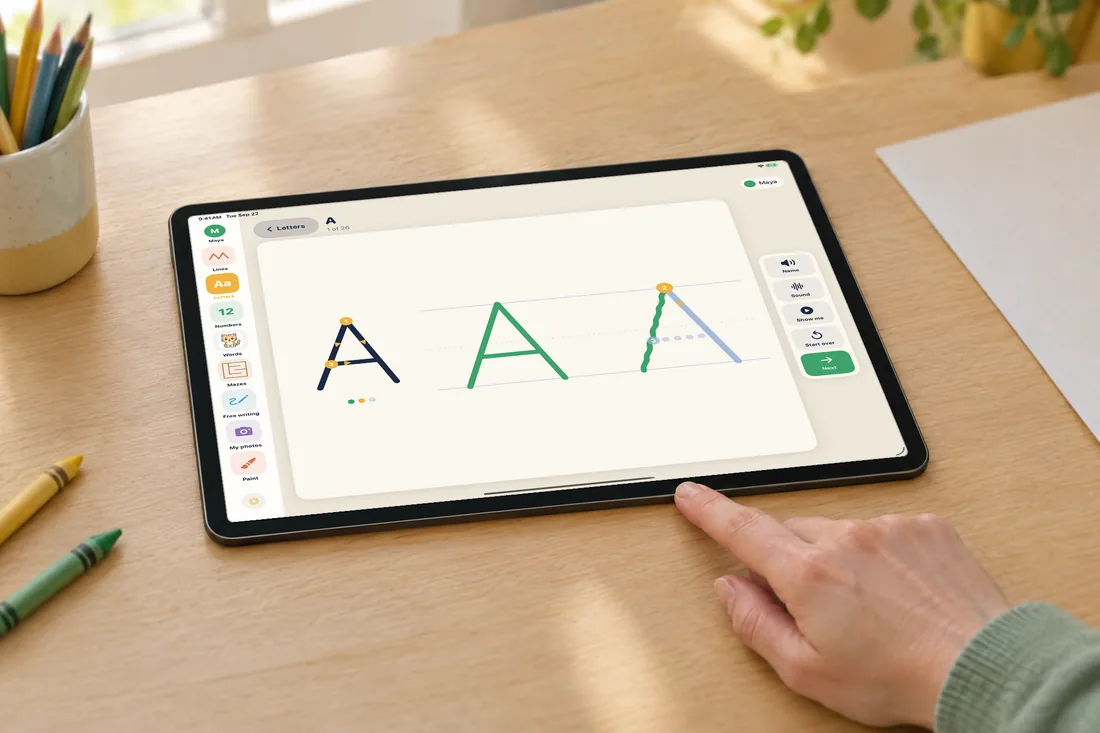
They're all rated 4+. Rutina and Trazos work for kids who can't read yet, and Tareas reads every chore out loud. Sobremesa and Copiloto are for everyone at the table or in the car, grandparents included, and Mesa puts up to four kids around one iPad. Sopa goes from tiny preschool grids to ones that stump adults.
iPhone or iPad?
Eight run on iPhone and iPad. Mesa is iPad only, and so is the paint studio in Trazos, because they need the bigger screen to work well.
Why should I trust a tiny studio over a big one?
Because you can see how I make money: you buy an app once, and that's it. There's no investor, no growth target and no ad network behind this. I build these for my own kids, and I've got nothing to gain from your attention or your data.
continue?9
8
7
6
5
4
3
2
1
0
Try one tonight. Free to download.
Pick one, install it and see what your kids think. If they love it, you pay once to unlock the rest.